The world is rapidly moving towards a future that is considered to be wireless. From wireless headsets to Wi-Fi connections, we can expect to see a future with fewer cables. However, there is still the demand for high-quality and reliable transmission needs, which are fulfilled by ethernet connections.
Many businesses and individuals with high application usage for gaming and entertainment continue to use ethernet cables. The keystone jack is an integral part of your ethernet connection.
If you have a LAN network setup for your home or business, then you need to know about ethernet keystone jack. In this article, we’ll give you a brief overview of what a keystone jack is and how you can properly install it.
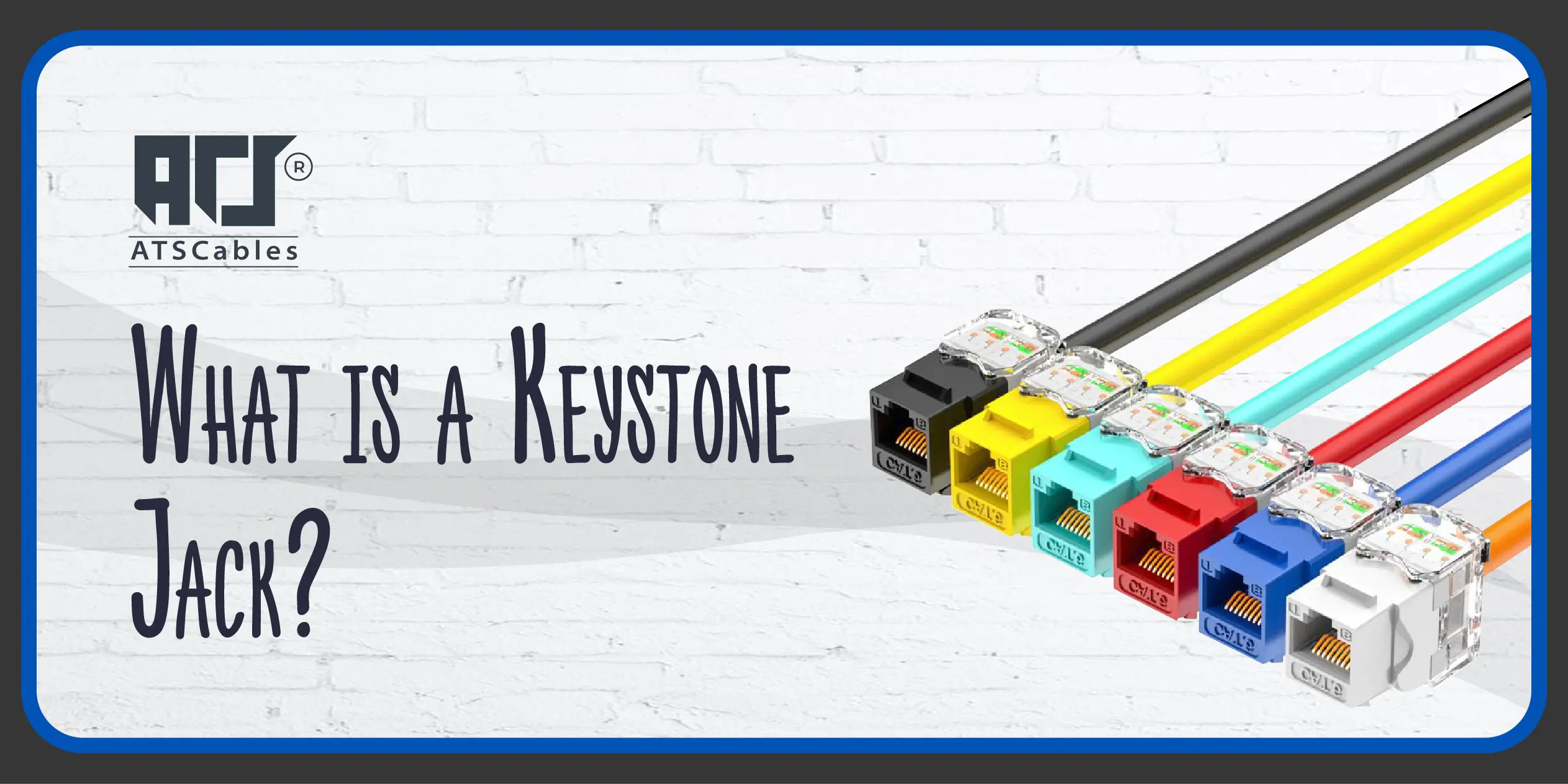
The keystone jack is the female connector that ensures you can get a proper connection with devices for audio, video, and data communications. With this jack, you can easily mount it in the patch panels, wall plates, and surface mount boxes.
Want to know the best part of the Ethernet jacks? The versatility and size they offer make it easy for them to offer a secure connection with various ethernet cables.
A keystone jack is a versatile networking component that provides a connection point for Ethernet cables. Whether you want to learn how to install the older version of the cat5 keystone jack or the top-of-the-line cat8 keystone jack, this process will guide you accordingly. To install a keystone jack, you’ll need the following:
Here is the step-by-step installation process that you need to follow for the keystone network jack:
The first thing you need to do is use a wire stripper to remove the outer jack of the cable to expose the individual wires. Next, arrange the wires in the correct order according to the desired keystone jack wiring standard (568A or 568B).
Once you prepare the cable, you need to align the wires with the corresponding terminals on the keystone ethernet jack. Use a punch-down tool to securely crimp the wires into the jack. It is important to ensure the wires are fully seated and the tool cuts through the wires cleanly.
Carefully snap the network keystone jack into the desired wall plate or surface mount box. Ensure a tight fit for optimal performance.
Lastly, you need to connect the RJ45 connector to the keystone jack to complete the installation. Not only that, you should also use a cable tester to verify that the wiring is correct and the connection is working properly.
When it comes to installing the network jack, you need to handle the cables with care. This way, you can prevent any possible damage to the wires. Furthermore, you should also follow the tips mentioned below for a smooth keystone jack installation:
By following these steps and taking the necessary precautions, you can successfully install any keystone jack, such as cat5e keystone jack, cat6 keystone jack, cat6a keystone jack, cat7 keystone jack, etc., and enjoy reliable network connectivity.
If you don’t have a sound technical understanding of the ethernet setup and connections, then you might make the mistake of considering the connector jack and plug as the same thing. However, that is not the case as they have different functionalities.
Plugs and jacks are fundamental components in electronic devices and systems. They serve as the interface for connecting various components and peripherals. A plug is the male end of a cable or cord, designed to be inserted into a corresponding female connector.
It typically contains multiple pins or contacts that establish electrical connections when inserted into a jack. On the other hand, a jack is the female counterpart of a plug. It’s a receptacle or socket with corresponding holes or slots to accommodate the pins on a plug. Here are some more key differences between plugs and jacks:
We hope you know now the definition of a keystone jack and have a better idea of how to install it properly. So, if you want to find a reliable and high-quality keystone jack, look no further because ATS Cables can help you out. From a Leviton keystone jack to a cat cable keystone connector jack, you can find everything in a single place.
The keystone jack is a component for modular networking that allows you to connect the ethernet cable points to be inserted in a wall plate or a surface mount box.
An RJ45 connector is a specialized plug designed exclusively for Ethernet cables. It provides a direct connection between the cable and a network device. On the other hand, a Keystone jack offers a more versatile solution. It’s a modular component that can accommodate various connector types, including RJ45.
With a keystone jack, you can get options such as easy cable replacement and customization for your network setup.
Ethernet cables can connect with a wide range of devices, like routers, switches, computers, etc., once they get a standardized connection point from keystone jacks.
Get updates by subscribe our weekly newsletter

Enter your details below to save your shopping cart for later. And, who knows, maybe we will even send you a sweet discount code :)